
10 Genius AI Tools That Make Everyday Life Easier in 2026
Artificial intelligence used to sound like something designed for programmers, huge companies, or futuristic laboratories.
Not anymore.
In 2026, some of the best AI tools for everyday life are being used by ordinary people to write emails, organize schedules, research purchases, prepare presentations, take meeting notes, create graphics, plan meals, and solve small problems that would otherwise eat up valuable time.
And AI is no longer limited to simple chatbots.
Modern AI productivity tools can work with documents, images, websites, calendars, meetings, and other apps. Some can even take action instead of simply giving you an answer.
If you’re interested in the bigger picture of artificial intelligence, you may also enjoy our article on Artificial Intelligence vs Human Stupidity: A Tale of Two Mindsets.
The problem, however, is that there are now so many AI apps available that choosing one can feel like another task in itself.
So instead of listing dozens of trendy tools, we’ve narrowed things down to 10 useful AI tools in 2026 that can genuinely make work and everyday life easier.
1. ChatGPT — The All-Purpose AI Assistant
When people think about AI tools for daily life, ChatGPT is usually one of the first names that comes to mind.
There’s a good reason for that.
ChatGPT isn’t restricted to one particular job. You can use it as a writing assistant in the morning, a brainstorming partner during work, a research helper in the afternoon, and even a meal-planning assistant in the evening.
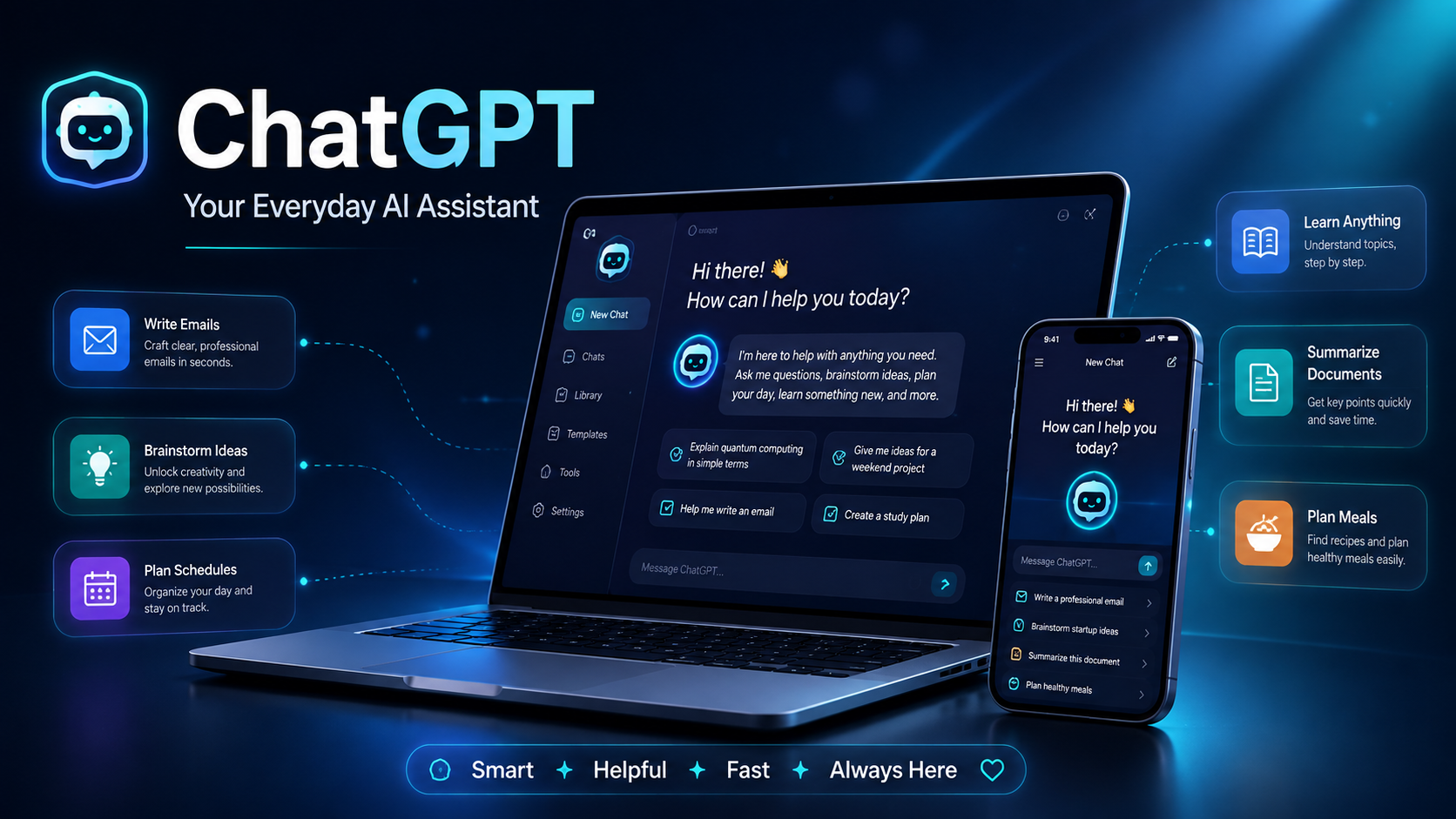
According to OpenAI, ChatGPT is designed to help people think, write, learn, brainstorm, and solve problems using natural-language conversations. (OpenAI’s ChatGPT guide)
You can use ChatGPT to:
- Rewrite an awkward email
- Explain a complicated topic in simple language
- Create a weekly meal plan
- Brainstorm gift ideas
- Summarize documents
- Plan a holiday
- Compare options before making a purchase
- Translate or improve writing
- Create checklists and schedules
- Brainstorm blog and social media ideas
How to get better results from ChatGPT
The trick is to avoid vague prompts.
Instead of asking:
“Give me some dinner ideas.”
Try:
“I have chicken, potatoes, yogurt, tomatoes and basic spices at home. Suggest three dinners I can prepare in under 30 minutes without buying additional ingredients.”
The second prompt gives the AI context, which usually produces a much more useful answer.
If you use AI for blogging or content creation, you may also want to read our guide on writing human-like blog content. It explains why natural tone, storytelling and reader-focused writing still matter even when AI is involved.
Best for: Writing, brainstorming, learning, planning, research and everyday problem-solving.
2. Google Gemini — A Powerful AI Assistant for Google Users
Google Gemini is another of the best AI assistants in 2026, particularly if you already spend much of your day using Google products.
Gemini can help with writing, research, planning, summarization, creativity and more.
Google has been steadily moving Gemini beyond the traditional chatbot model. In 2026, it introduced more proactive and agent-like capabilities designed to help users complete tasks rather than simply answer questions. (Google’s Gemini 2026 update)
Gemini can be useful for:
- Researching a topic
- Summarizing information
- Writing or rewriting content
- Organizing ideas
- Planning projects
- Creating images
- Understanding complex subjects
- Working with information across supported apps
Google has also expanded Gemini’s ability to connect with other apps and services.
An everyday example
Imagine you’re planning a holiday.
You’ve bookmarked hotels, restaurants, attractions and travel articles, but everything is scattered across multiple tabs.
An AI assistant such as Gemini can help turn that pile of information into a structured plan or itinerary.
That’s where modern AI becomes genuinely helpful: it doesn’t only help you find information — it helps you make sense of it.
Best for: Google users, Android users, research, planning and productivity.
3. Perplexity — AI-Powered Research Without Endless Browsing
Have you ever searched for one simple answer and somehow ended up with fifteen browser tabs open?
Perplexity is designed for exactly that problem.
It works more like an AI research tool than a traditional chatbot. You ask a question in normal language, and it searches for information, summarizes what it finds and provides sources you can investigate further.
For example, you could ask:
“Which indoor plants survive well in rooms with very little natural light?”
or:
“Compare air fryers and convection ovens for a family of four.”
Instead of manually reading ten separate articles just to understand the basics, Perplexity can help you get an initial overview.
You should still verify important claims, especially when researching health, financial, legal or safety-related subjects. AI-generated summaries are useful starting points, not unquestionable facts.
Best for: Online research, comparisons, learning and quickly understanding unfamiliar subjects.
4. Canva AI — Create Professional Designs Without Starting From Scratch
AI isn’t only changing writing and research.
It’s also changing graphic design.
Canva’s AI-powered Magic Studio brings multiple creative tools into one platform, helping users generate and edit content without needing advanced design software. (Canva Magic Studio)
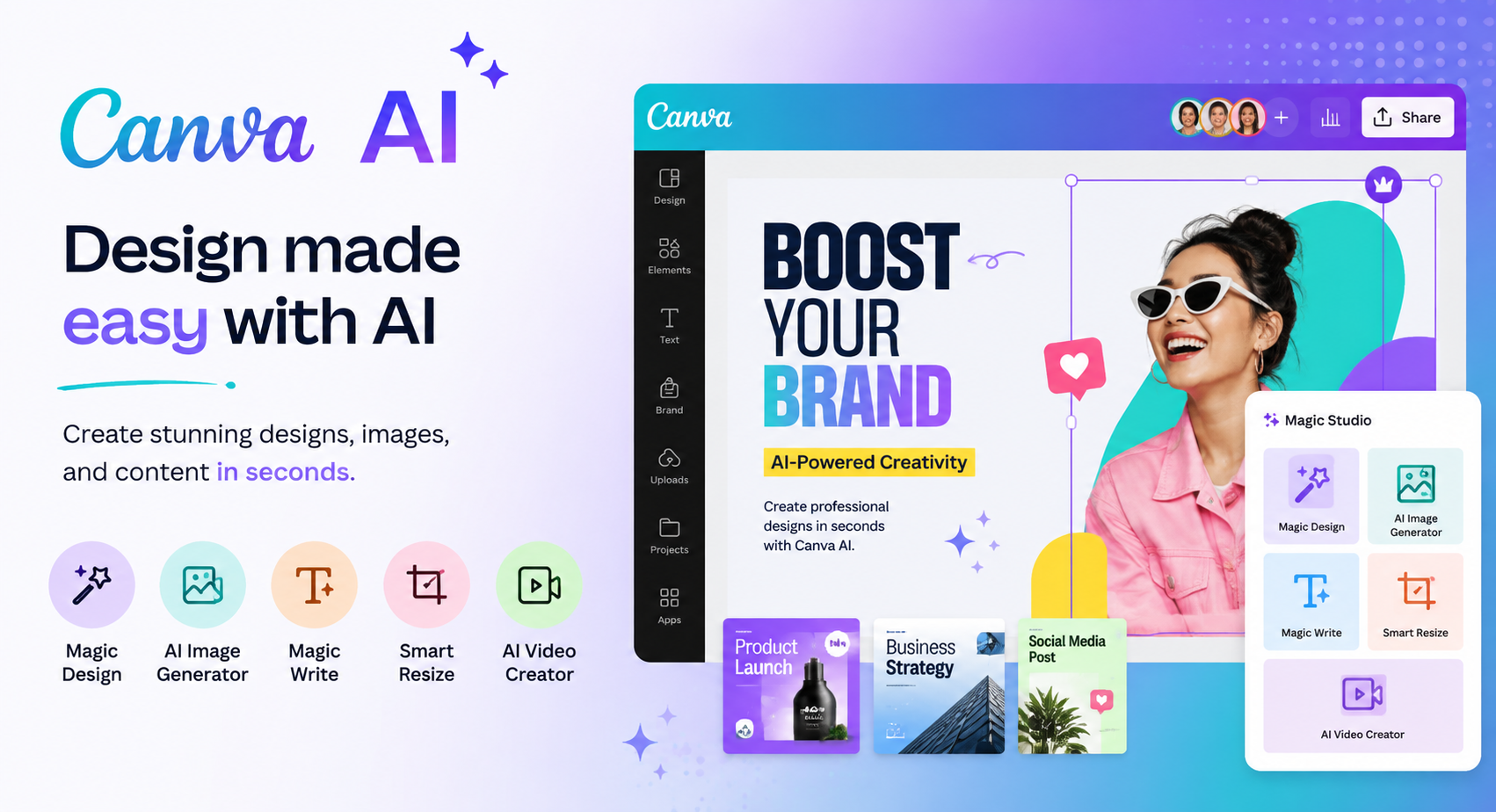
For bloggers, students, small businesses and social media users, Canva AI can help create:
- Blog graphics
- Instagram posts
- YouTube thumbnails
- Presentations
- Invitations
- Flyers
- Posters
- Social media graphics
- Simple videos
- Marketing materials
A practical example
Suppose you’re organizing a child’s birthday party.
You could start with a prompt such as:
“Create a cheerful dinosaur-themed birthday invitation for a six-year-old with space for the date, time and location.”
Rather than browsing hundreds of templates, AI gives you a starting point that you can customize.
That doesn’t mean AI replaces good design judgment. Fonts, spacing, colors and visual hierarchy still matter.
But it can remove the intimidating blank-page stage.
Best for: Content creators, bloggers, presentations, social media and everyday graphic design.
5. Grammarly — An AI Writing Assistant for Everyday Communication
Grammarly started as a grammar checker, but today’s version goes considerably further.
It can help rewrite sentences, improve clarity, adjust tone and refine professional communication.
That makes it particularly useful when you know what you want to say but aren’t completely sure how to say it.
You might use an AI writing tool like Grammarly for:
- Business emails
- Job applications
- Reports
- LinkedIn posts
- Proposals
- Customer replies
- University assignments
- Website copy
For example, imagine typing a reply to a client and realizing it sounds slightly irritated.
Rather than rewriting the whole thing yourself, you can ask an AI writing assistant to make the message more professional while keeping the original meaning.
If you’re producing content for a website or business, our guide to different types of digital marketing explains how content fits into the wider digital marketing picture.
Best for: Professional communication, editing, proofreading and improving written content.
6. Notion AI — Turn Messy Notes Into an Organized Workspace
Some people have dozens of notes stored on their phone, random documents on their laptop, unfinished task lists and ideas spread across different apps.
Notion tries to bring all of that into one workspace.
Add AI, and it becomes much easier to search, summarize and organize information.
You might build a Notion workspace for:
- Personal goals
- Household expenses
- Recipes
- Freelance work
- Study notes
- Content calendars
- Travel planning
- Reading lists
- Business projects
Its AI tools can then help summarize pages, find information, generate content and organize ideas.
In other words, Notion AI is especially useful if your biggest productivity problem isn’t lack of information.
It’s having information everywhere.
Best for: Project organization, notes, knowledge management and productivity.
7. Otter.ai — Stop Trying to Type Every Word in a Meeting
Trying to listen carefully while simultaneously typing everything being said in a meeting is surprisingly difficult.
Otter.ai uses AI-powered transcription to turn spoken conversations into searchable notes.
It can be useful for:
- Work meetings
- Interviews
- Lectures
- Online classes
- Client calls
- Research interviews
- Brainstorming sessions
Instead of spending an entire conversation staring at your keyboard, you can pay attention and review the transcript afterward.
AI transcription is not always perfect, particularly when people speak over one another or when audio quality is poor, so important details should still be checked.
Even so, having an imperfect transcript is often much more useful than trying to decipher the five rushed bullet points you wrote during the call.
Best for: Meetings, lectures, interviews and note-taking.
8. Reclaim.ai — An AI Tool for Managing Your Calendar
Most calendars tell you what you’re supposed to do.
Reclaim.ai goes a little further by helping determine when you’re actually going to do it.
It can automatically find time in your schedule for:
- Tasks
- Focus work
- Habits
- Meetings
- Personal commitments
This makes it one of the more interesting AI productivity tools for busy professionals.
For example, writing:
“Finish presentation on Tuesday”
on a to-do list doesn’t guarantee you’ll actually find time to work on it.
Blocking:
Tuesday, 10:00–11:30 — Finish presentation
is much more useful.
Tools such as Reclaim attempt to bridge that gap between a task list and your actual calendar.
Best for: Freelancers, professionals, entrepreneurs, students and anyone with an overcrowded schedule.
9. NotebookLM — Study and Research Your Own Documents With AI
NotebookLM is particularly useful when you don’t want an AI assistant searching across everything on the internet.
Instead, you want help understanding your own collection of sources.
You can bring together research material and documents and use AI to explore the information.
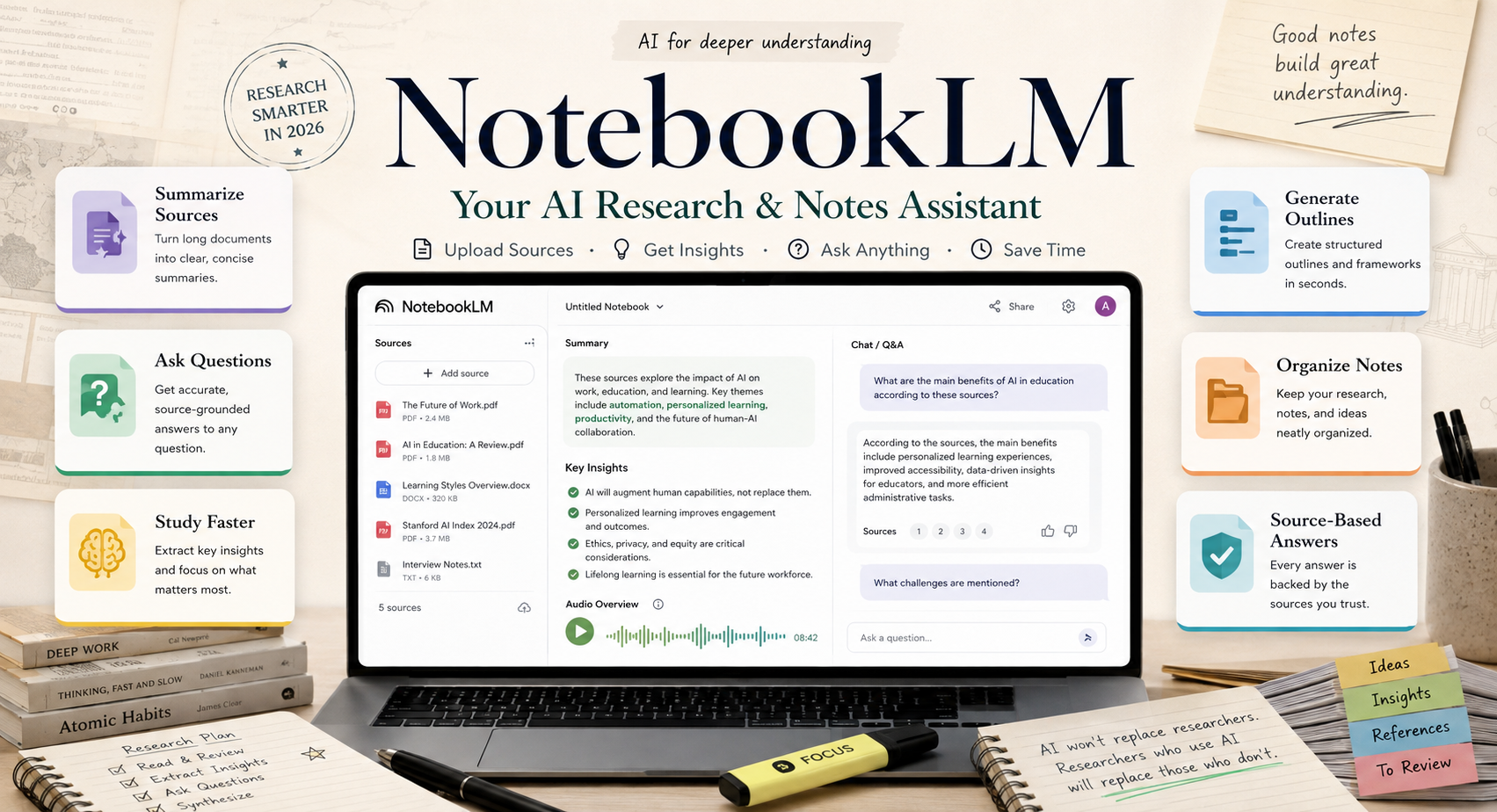
For example, you could ask:
“What five ideas appear repeatedly across these documents?”
or:
“Explain the main argument of these sources in simple language.”
This makes NotebookLM useful for:
- Students
- Researchers
- Writers
- Business professionals
- People reading lengthy reports
- Anyone learning a complex subject
It’s essentially like having an AI research assistant sitting beside the specific pile of material you’re trying to understand.
Best for: Studying, research, document analysis and learning.
10. Adobe Firefly — AI for Images and Creative Content
Sometimes you don’t need another productivity app.
You need a visual.
Adobe Firefly is one of the growing number of AI image-generation and creative tools designed to help people generate and edit visual content.
It can be useful for:
- Illustrations
- Blog graphics
- Creative backgrounds
- Concept images
- Marketing visuals
- Social media content
- Design ideas
For example, a gardening blogger might request:
“A cozy apartment balcony herb garden with terracotta pots and warm morning sunlight.”
A small business could experiment with promotional concepts before committing to a final campaign design.
Bloggers can also use AI-generated visuals as inspiration or supporting graphics, provided they’re transparent about what the image represents and don’t present fictional AI imagery as evidence of something that really happened.
If you’re building or expanding your own website, you may also find our guide on how to install WordPress on your website useful.
Best for: Bloggers, designers, marketers, small businesses and content creators.
Which AI Tool Should You Use in 2026?
You probably don’t need all ten.
In fact, signing up for every new AI service can make life more complicated rather than easier.
Choose an AI tool based on the problem you actually need to solve.
| What you need help with | AI tool to try |
|---|---|
| General everyday tasks | ChatGPT |
| Google apps and Android | Gemini |
| Online research | Perplexity |
| Graphic design | Canva AI |
| Writing and proofreading | Grammarly |
| Notes and organization | Notion AI |
| Meeting transcription | Otter.ai |
| Calendar management | Reclaim.ai |
| Researching your own documents | NotebookLM |
| AI images and creative work | Adobe Firefly |
Start with one or two.
Use them for a couple of weeks.
If they genuinely save you time, keep them.
If they don’t, move on.
Technology should remove friction from your life, not give you another ten dashboards to check every morning.
Are AI Tools Safe to Use?
The growing popularity of artificial intelligence tools doesn’t mean every result they produce should automatically be trusted.
AI systems can sometimes:
- Misunderstand questions
- Use outdated information
- Miss important context
- Produce incorrect information
- Sound confident even when the answer is wrong
Extra care is needed when AI is being used for decisions involving:
- Health
- Finance
- Legal matters
- Safety
- Academic research
- Sensitive personal information
- Confidential business information
It’s also wise to check the privacy policy of any AI platform before uploading private files, customer information, financial documents or company data.
The smartest use of AI isn’t letting it make every decision for you.
It’s knowing which repetitive tasks can safely be handed over — while keeping human judgment where it matters.
Final Thoughts: Are AI Tools Really Worth Using?
The best AI tools in 2026 aren’t necessarily the ones with the longest list of features.
They’re the ones that quietly remove annoying little jobs from your day.
AI can turn a badly written email into a polished one.
It can summarize a long document.
It can organize meeting notes.
It can help you research a purchase.
It can turn a blank presentation into a starting point.
It can even help you find an empty hour in a chaotic week.
Those small conveniences add up.
You don’t need to become an artificial intelligence expert or use every new AI app that launches.
Find two or three tools that genuinely make your life easier.
Those are the ones worth keeping.
Frequently Asked Questions About AI Tools
What are the best AI tools for everyday life in 2026?
Some of the most useful AI tools for everyday life include ChatGPT for general assistance, Gemini for Google users, Perplexity for research, Canva AI for design, Grammarly for writing, Notion AI for organization and NotebookLM for studying documents.
Which AI tool is best for beginners?
ChatGPT and Gemini are good starting points because both support a wide variety of everyday tasks and can be used through simple conversational prompts.
What is the best AI tool for productivity?
There isn’t one tool that works best for everyone. ChatGPT is useful for general productivity, Notion AI helps organize information, Reclaim.ai focuses on scheduling, and Otter.ai is useful for meetings.
Are free AI tools worth using?
Yes. Many popular AI platforms provide free versions that are more than sufficient for casual users. Paid plans tend to offer higher usage limits or additional features.
Can AI tools save time?
Yes, particularly when they’re used for repetitive tasks such as summarizing information, formatting content, brainstorming, proofreading, transcription and organizing notes. The biggest benefit usually comes from using a small number of tools consistently rather than trying every new AI app.


Reply